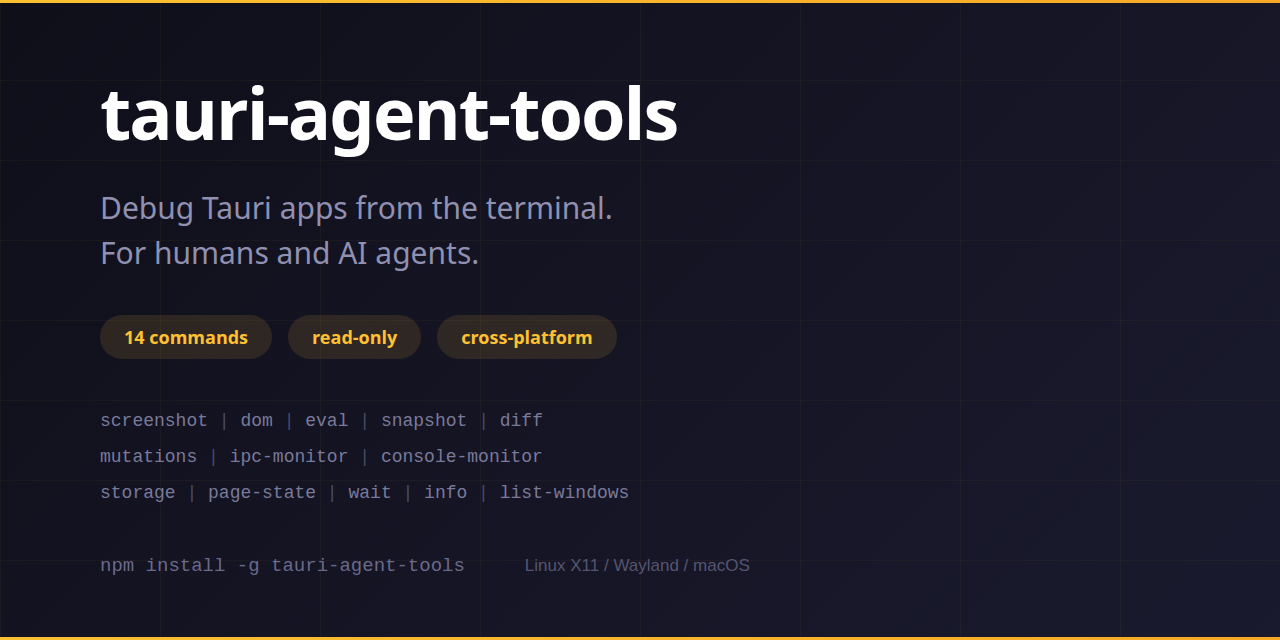
tauri-agent-tools
Agent-driven inspection toolkit for Tauri desktop apps.
38 commands to screenshot, inspect, interact with, monitor, post-mortem, audit, and diagnose Tauri apps from the CLI.


The Problem
Debugging frontend issues in Tauri desktop apps requires manually screenshotting, cropping, and describing what you see. Existing tools either hijack your cursor (xcap-based), render DOM to canvas (html2canvas — can't capture WebGL/video/canvas elements), or have no authentication.
The Solution
Combine a bridge's knowledge of element positions (getBoundingClientRect) with real pixel screenshots (import -window + ImageMagick crop). No other tool does this.
Features
- DOM-targeted capture — screenshot any CSS-selectable element with real screen pixels
- 38 commands — 14 inspection, evaluation, and monitoring commands, 11 interaction and workflow commands (click, type, scroll, focus, navigate, select, invoke, probe, capture, check, store-inspect), 7 bridge-free diagnostics (app-paths, config inspect, os-logs, sidecar tap, sidecar replay, forensics, logs), 4 bridge-extending diagnostics (process-tree, capabilities audit, webview attach, health), and the
diagnoseandbundlesuper-commands - Cross-platform — Linux X11, Linux Wayland/Sway, Linux Wayland/Hyprland, macOS
- Token authenticated — random 32-char token, localhost-only bridge
- Agent Skills — ships agentskills.io skills for AI coding agents
- JSON output — commands with
--jsonprovide structured output and fatal-error envelopes
Quick Install
See Installation for platform-specific requirements.
Quick Example
# Screenshot a specific DOM element
tauri-agent-tools screenshot --selector ".toolbar" -o /tmp/toolbar.png

# Explore the DOM tree
tauri-agent-tools dom --depth 3

# Monitor IPC calls in real-time
tauri-agent-tools ipc-monitor --duration 10000
Next Steps
- Installation — set up system requirements
- Quick Start — get running in 5 minutes
- Bridge Setup — integrate the Rust bridge
- Command Reference — all 38 commands with examples
- Architecture Overview — how it works under the hood