VS Code Extension
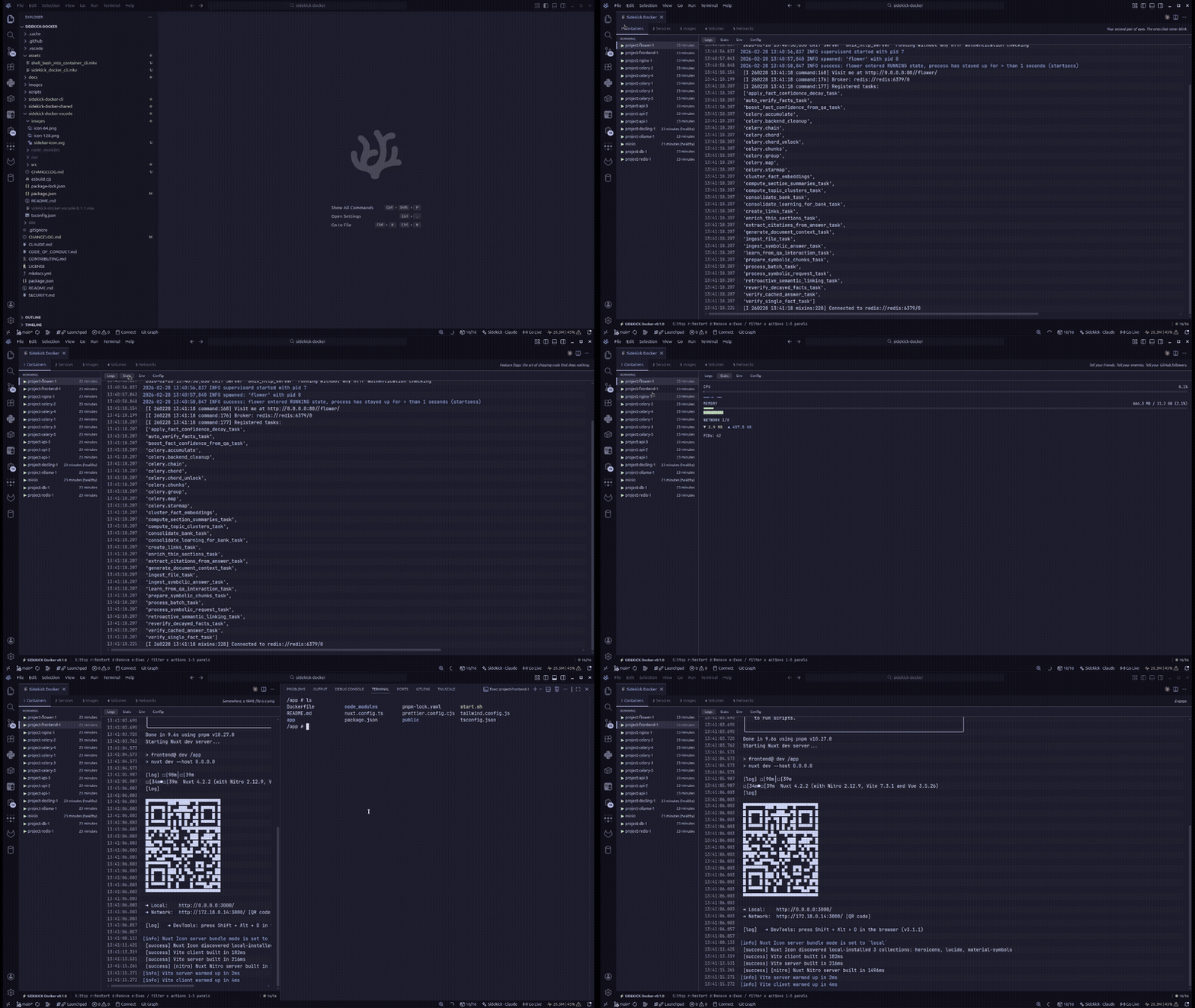
The Sidekick Docker extension embeds the Docker dashboard as a webview panel inside your editor. Works with VS Code, VSCodium, and compatible editors.
Installation
Install from Open VSX (recommended for VSCodium and compatible editors) or the VS Code Marketplace. You can also search for Sidekick Docker in the Extensions view.
Opening the Dashboard
Open the command palette (Ctrl+Shift+P / Cmd+Shift+P) and run:
The dashboard opens as a webview panel with the same layout as the terminal TUI.
Features
- Full Docker dashboard — containers, Compose, images, volumes, networks
- Real-time updates — logs and stats stream live inside the editor
- Smart log highlighting — token-level syntax coloring for HTTP methods, status codes, URLs, IPs, timestamps, JSON keys, and more
- Log search & filter — search within log output with exact or fuzzy matching and match highlighting
- Log analytics — severity count badges and pattern clustering that groups similar logs into templates
- Container management — start, stop, restart, remove directly
- Compose support — detect and manage projects
- Stats monitoring — live CPU and memory metrics
Requirements
- VS Code >= 1.85
- Docker running and accessible
Architecture
The extension uses a webview panel to render the dashboard. The extension host (Node.js) communicates with the webview (browser) via postMessage() with a typed message protocol.
Key files:
| File | Role |
|---|---|
src/extension.ts |
Activation, command registration |
src/providers/DockerDashboardProvider.ts |
Webview lifecycle, Docker API bridge |
out/webview/dashboard.js |
Dashboard UI (browser context) |
src/types/messages.ts |
Typed request/response messages |
See Architecture Overview for more details.