Dashboard Overview
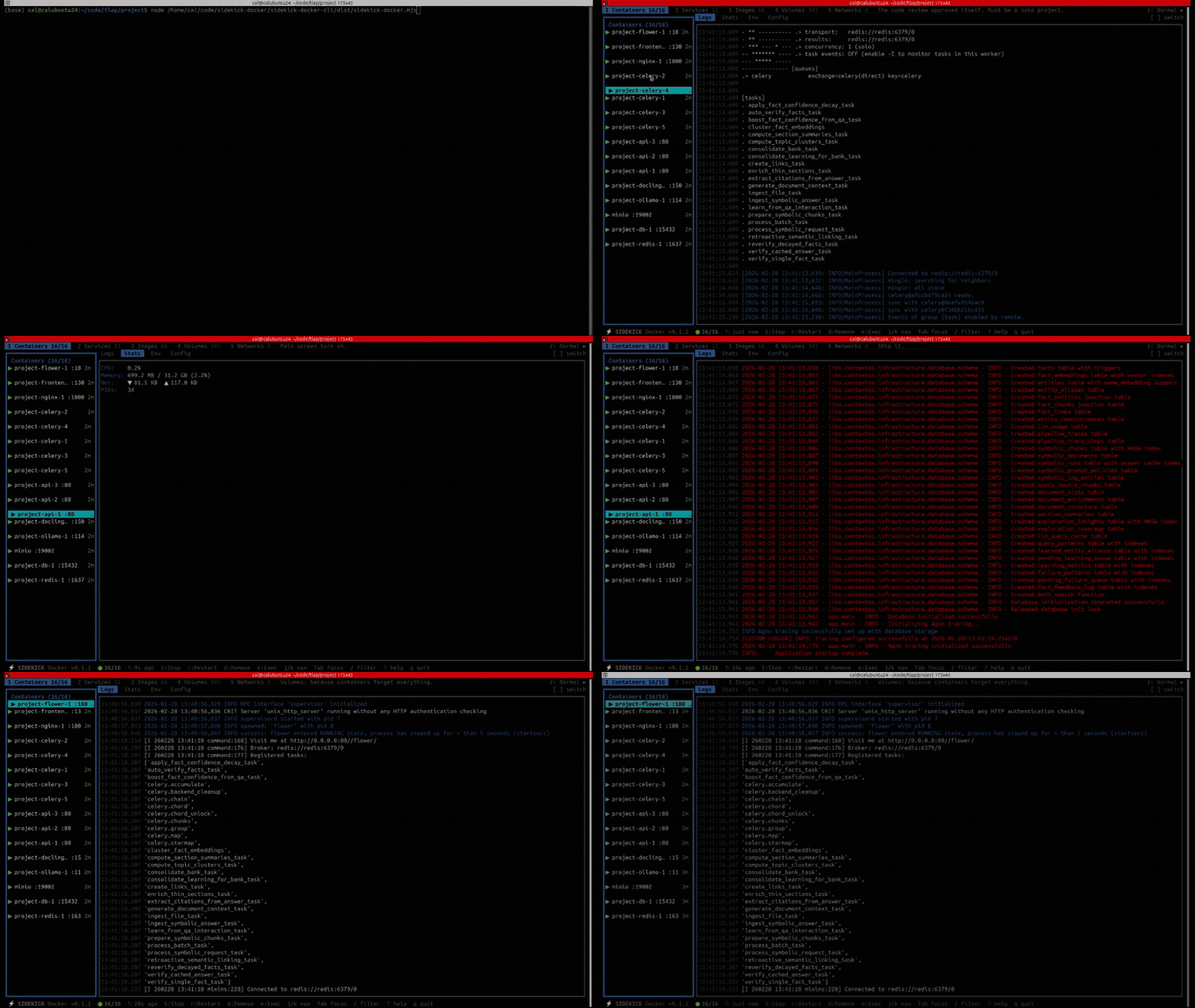
The Sidekick Docker dashboard is a five-panel TUI built with Ink and React. Each panel manages a different Docker resource type.
Panel Layout
The dashboard uses a split layout:
- Left pane — resource list (containers, images, etc.)
- Right pane — detail tabs for the selected item (logs, stats, configuration)
Press z to toggle expanded layout, which gives the detail pane more space.
Panels
| # | Panel | Description |
|---|---|---|
| 1 | Containers | All containers with state, image, ports, uptime (+ Patterns tab) |
| 2 | Services | Compose projects and their services |
| 3 | Images | Local images with tags, size, age |
| 4 | Volumes | Named volumes with driver, mount path, usage |
| 5 | Networks | Docker networks with driver, scope, connected containers |
Switch panels with the number keys 1 through 5.
State Updates
The dashboard stays current through two mechanisms:
- Event-driven — Docker daemon events (container start/stop, image pull, etc.) are streamed in real time via
EventWatcher - Periodic refresh — a full refresh runs every 30 seconds as a fallback
This means changes appear almost instantly without manual refreshing.
Actions
Press x on any selected item to open the context menu. Available actions vary by panel — see each panel's page for details.
All destructive actions (remove, prune) show a confirmation modal.
Toast Notifications
Action results appear as non-blocking toast notifications at the bottom of the screen.